To use the CLI tool, .net 6 SDK must be installed. If it is not installed, install the version suitable for your operating system. Download
Install the dotnet package globally with command line:
dotnet tool install -g DotnetWhoisCLI
If you are using Ubuntu, you may need to define the dotnet tools folder as environment variable.
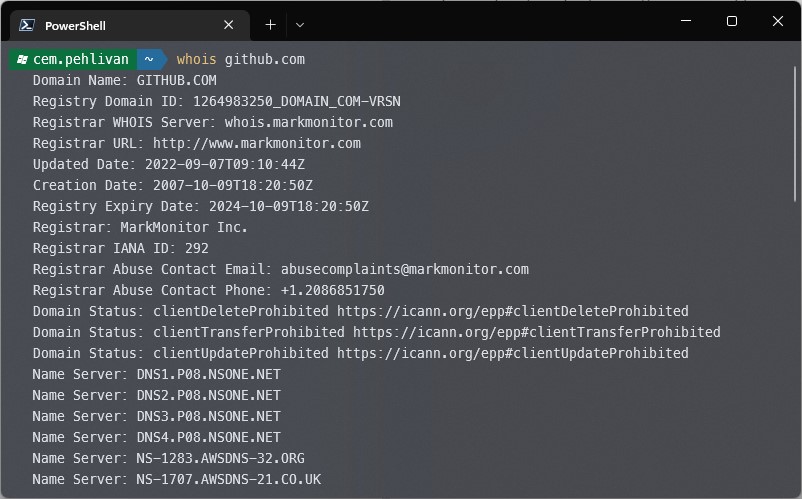
export PATH=$PATH:$HOME/.dotnet/toolsExample whois lookup with command line:
whois github.com
Response: